Perth's Wi-Fi Experts
Say Goodbye to Dead Zones. Hello to Seamless Wi-Fi.
We design, install, and optimise mesh Wi-Fi systems that actually work — whether you're in a tiny apartment, a triple-storey townhouse, or a sprawling warehouse or industrial facility.
Many Perth businesses claim to fix Wi-Fi dead zones. Too often, they apply a one-size-fits-all approach that ignores the quirks of your space.
TechTV is different: our solutions are designed to work in harmony with everything else in your home or business — and every install comes with complimentary lifetime remote support.
We've been optimizing Wi-Fi since 2015 — through every generational shift from Wi-Fi 4 to Wi-Fi 7, and every new source of interference modern environments throw at us. NBN, Starlink, fixed wireless, fibre — whatever's coming into your property, we'll make it work properly.
We Don't Just "Plug & Play" — We Engineer Your Network
Here's where we differ:
Site inspection. We physically inspect your existing NBN modem, routers, and cabling before we touch anything — sometimes we're called out to replace everything and find only a minor fault
Thick walls? Concrete floors? Elevator shafts? We solve the tough stuff, using wired (Ethernet) or hybrid backhaul so every node gets a strong, interference-free signal — even in challenging buildings.
Outdoor coverage. Need Wi-Fi on the patio, in the garden, or across to a separate shed or workshop? We run the cabling to make it happen.
Existing cabling, remediated before re-use. We test all existing cabling, wallplates, and data points before connecting new equipment.
Certified technicians. Ubiquiti Wireless Admin certified, with over 10 years' experience working with Ubiquiti UniFi.
TechTV Ubiquiti Elite Integrator. TechTV Ubiquiti Wi-Fi systems that we install come with a longer warranty term.
Why "It Worked At My Mate's Place" Doesn't Mean Anything
Wi-Fi performance isn't a property of the router. It's a property of the router, the building, and the environment it sits in. Change the building, and the result changes.
Complex walls, concrete floors, elevator shafts, double glazing, window tinting — all of these absorb, reflect, or block signal in ways you can't see and can't guess. A system that's perfect in one home can be useless in the house next door.
This is why we assess every site. Recommending hardware based on what worked somewhere else isn't installation — it's a guess. It's also, unfortunately, what a lot of competitors are selling.
Much like a good solar installer wants to see your electricity bill before quoting, we sometimes need to see your current data usage before recommending the right system. It's the difference between a solution and a sale.
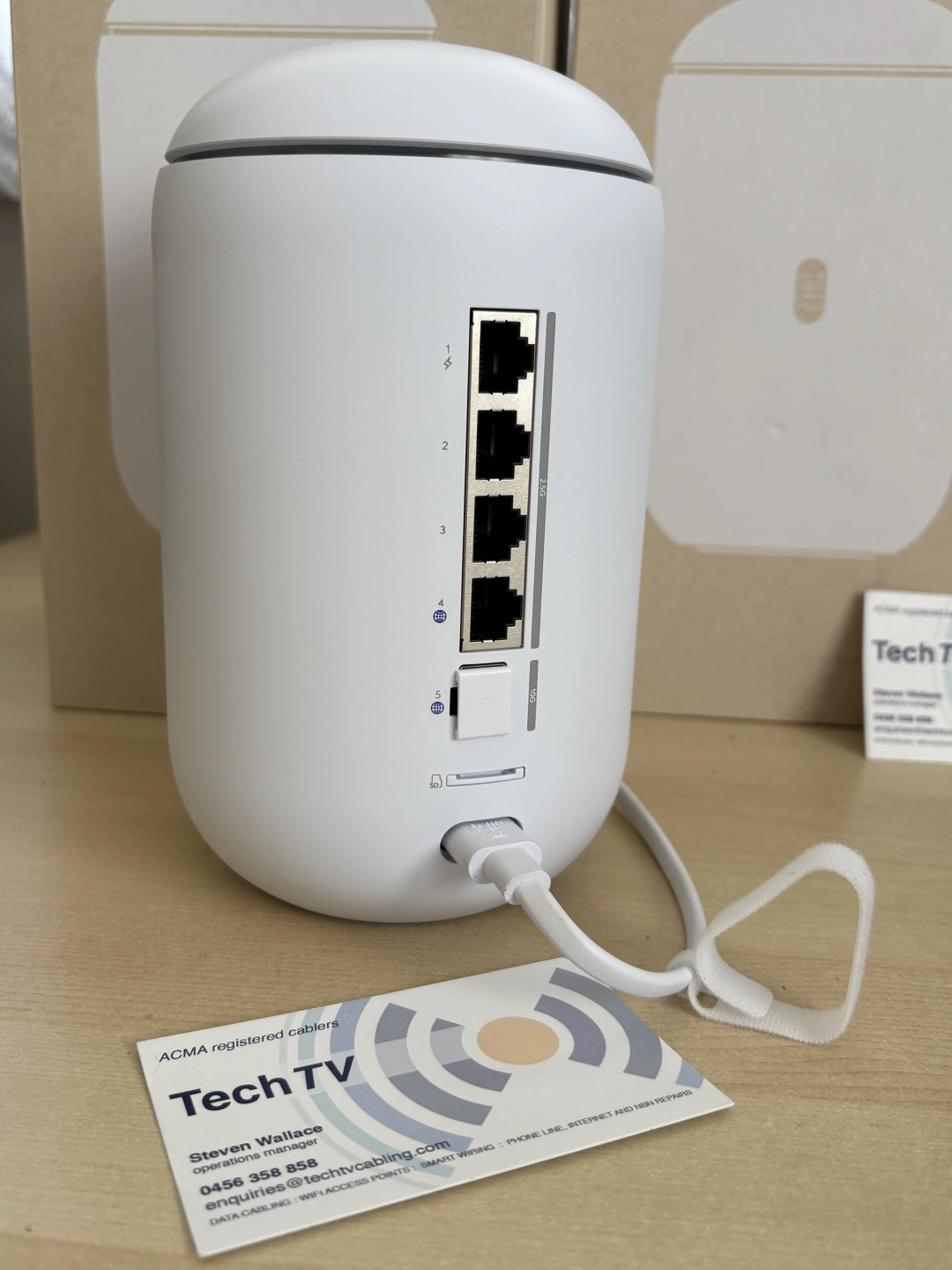
Our Go-To Solution: The Ubiquiti Dream Router 7
For most homes and small-to-medium businesses, we recommend the Ubiquiti Dream Router 7 — powerful, reliable, and future-proof.
However, we also have a model that fits entirely inside your existing cabling hub. The Ubiquiti Cloud Gateway Fiber.
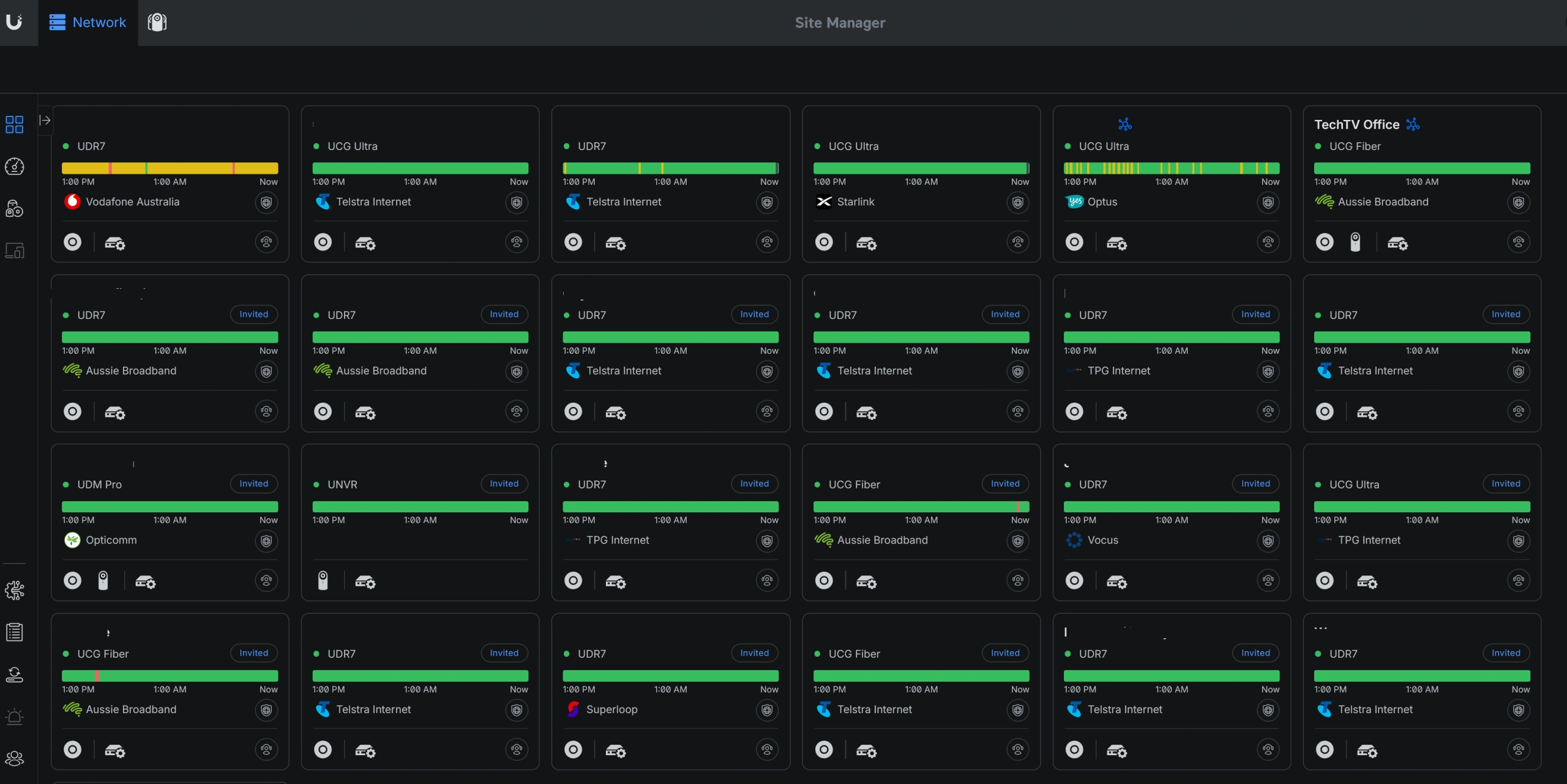
For larger premises, it becomes the intelligent "brain" of an easily expandable UniFi ecosystem: multiple Ubiquiti access points wired together for serious performance.
Lifetime remote support and 3 yrs warranty is included.
Recent business use-case: We configured a single Dream Router to host two completely separate Wi-Fi networks — one dedicated to order-taking tablets (for reliability), another for staff (for bandwidth).
Already Have a Mesh System? We Can Fix That Too.
We work with all brands — eero, TP-Link Deco, Netgear Orbi. While we're qualified Ubiquiti technicians, we have extensive experience across the board. Get in touch for a discussion.
For example, we recently retrofitted an eero 7 system in a triple-storey home to use Ethernet backhaul, while tidying up a chaotic cabling hub that had been a mess for years.
Our promise: if you already have the gear, we'll integrate it properly. If you need new gear, we'll supply it — backed by a leading Australian Ubiquiti distributor — and install it flawlessly.
Bought a New Home With Access Points Already Installed?
We see this constantly. A new build comes with two or three access points, the client is told to plug them into their internet provider's router, and that's where it ends.
No central management. No software updates. No security patches. No one monitoring whether the network is actually performing.
Hardware without management is just hardware. We'll take over the system properly — updates, monitoring, and configuration that keeps it secure and fast.
Lifetime Support — Including When You Move On
Our systems come with lifetime support. Not a warranty period, not a twelve-month check-in — ongoing support for as long as you have the system.
And if you sell your home, we'll show you how to transfer ownership to the new owner, so their Wi-Fi works as seamlessly as yours did. The system stays properly managed instead of becoming somebody else's mystery box.
Get a Permanent Solution — No More Dropouts.
Stop rebooting your router. Stop moving closer to the modem.
Contact TechTV today for a consultation. We provide permanent solutions to slow speeds, frustrating dead zones, and unreliable connections.
5-star Google review — Sean K.
"Ubiquiti system installed. Solved all problems. Highly recommend these guys to defend against Perth internet dramas."
Frequently Asked Questions
We start by assessing your home or business layout, your internet plan speed, and your coverage needs. We also assess whether we can work with your existing equipment.
From there, we place mesh nodes or wired access points in the optimal locations to ensure reliable, high-speed Wi-Fi everywhere. Once installed, we thoroughly test the network for quality assurance.
Where possible, we prefer to hardwire mesh nodes together with Ethernet cabling.
Using advanced Ubiquiti and TP-Link Omada systems, we can also provide remote assistance, network management, and diagnostics, so your Wi-Fi stays fast, stable, and easy to maintain.
Usually, your internet speed at the modem is fine — the bottleneck is the Wi-Fi itself. Wi-Fi performance depends on several factors:
Wi-Fi version: Newer systems using Wi-Fi 6 or Wi-Fi 7 are much faster and more efficient than older Wi-Fi 5 gear. But remember, if your device only supports Wi-Fi 5, it won’t reach the speeds a Wi-Fi 7 system is capable of.
Frequency bands: Wi-Fi works across 2.4 GHz, 5 GHz, and now 6 GHz (with Wi-Fi 6E/7). The 2.4 GHz band has longer range but is slower, while 5 GHz and 6 GHz offer much higher speeds but shorter range. The right setup balances these so you get both coverage and speed.
Placement: Where your modem/router or access points are installed has a huge impact. Thick walls, concrete, and interference can all weaken signals.
We design and install Wi-Fi systems that account for all of these factors, so you can actually experience the full performance of your NBN plan across your home or business.
Yes. Using outdoor-rated access points and cabling, we can extend Wi-Fi to your outdoor areas and separate buildings — perfect for work, streaming, or smart home devices.
Wi-Fi extenders can boost coverage slightly, but they usually just repeat an already weak signal. Because they send and receive on the same channel, they often cut your Wi-Fi speed in half. This leads to slower performance and dropouts, especially when moving between rooms. A proper mesh Wi-Fi system or wired access point avoids this problem by using a dedicated wireless or wired “backhaul,” delivering seamless, full-speed coverage — which is exactly what we install.
“Connected” doesn’t always mean full speed. Signal strength can be good, but interference, walls, or long wireless hops can still slow performance. Adding wired backhaul or relocating nodes often fixes these speed gaps.
As a tip, some devices do not support the newer Wi-Fi standards that your eero/Nest/Orbi or other Wi-Fi system supports, so take notice if some devices work better than others.
In most cases, YES! We can integrate with your existing system by adding Ethernet backhaul between nodes, installing additional access points, or upgrading to wired or hybrid setups. This can significantly improve speed, coverage, and reliability.
To actually get NBN 2000 speeds over Wi-Fi, you need the right combination of hardware and cabling to suit your scenario:
Wi-Fi 7 access points – the latest standard for multi-gigabit wireless performance.
2.5G Ethernet networking – wired connections to your Wi-Fi 7 access points unlock the full speed potential.
Compatible devices – your laptop, phone, or other devices must support Wi-Fi 7 or 2.5G wired connections.
Professional cabling and setup – placement, wiring, and configuration all affect real-world speeds.
TechTV can install the Cat6/6A cabling needed for 2.5G networking, set up your Wi-Fi 7 access points, and make sure your home or business is optimized to actually reach full NBN 2000 speeds.
Ubiquiti Elite Integrator with wireless admin certification
Experienced, ACMA-registered cablers — trusted since 2017
We check all your devices are connected once we are done
Remote support and network management after install
Contact Us
Address
TECHTV, PO BOX 241, MELVILLE WA 6157
Phone
0456 358 858ABN
60557229658